Finding your first job can feel exciting and stressful at the same time. One of the biggest challenges for fresh graduates is creating a professional CV that stands out without having much work experience. That’s where a simple CV format for freshers in Word becomes incredibly useful. With the right structure, formatting, and content, even a beginner can create a strong resume that attracts recruiters.
At Lynxperio, we understand how confusing resume writing can be for students and freshers. Many candidates struggle with what to include, how to format the document, and how to make their CV look professional. The good news is that you do not need advanced design skills to create an impressive CV. A clean and organized Word format can do the job perfectly.
In this detailed guide, you’ll learn how to create a simple CV in Microsoft Word, what sections to include, common mistakes to avoid, practical examples, and professional tips that can improve your chances of getting shortlisted.
Why a Simple CV Format Matters for Freshers
Recruiters often spend only a few seconds scanning a CV. If your resume looks cluttered, confusing, or unprofessional, it may get rejected quickly.
A simple CV format for freshers in Word helps because it:
- Makes your information easy to read
- Highlights your strengths clearly
- Looks professional and organized
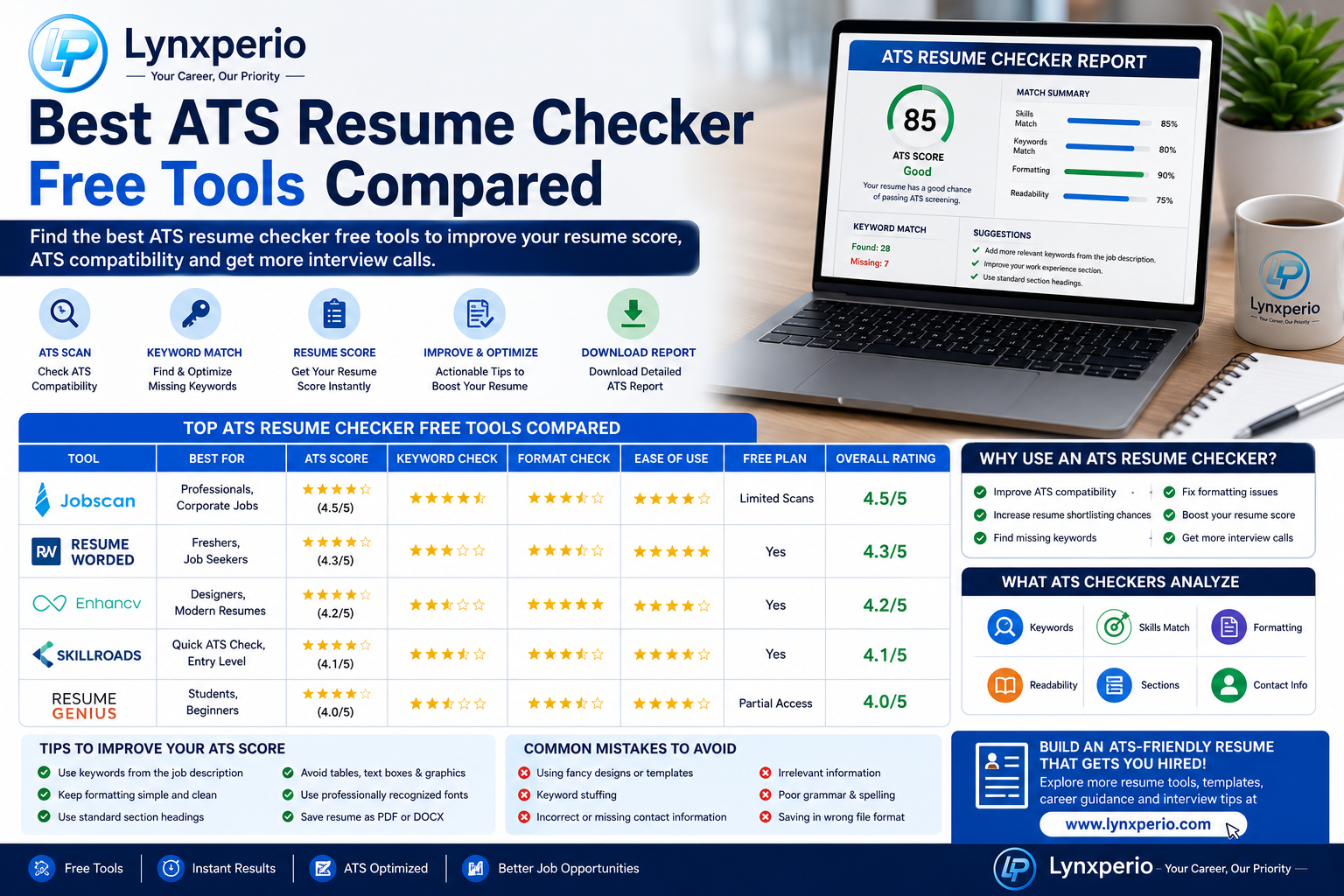
- Works well with ATS (Applicant Tracking Systems)
- Saves time during resume creation
Most companies prefer simple and clean resume formats over overly designed templates. Especially for entry-level jobs, clarity matters more than flashy graphics.
What Is the Best Simple CV Format for Freshers in Word?
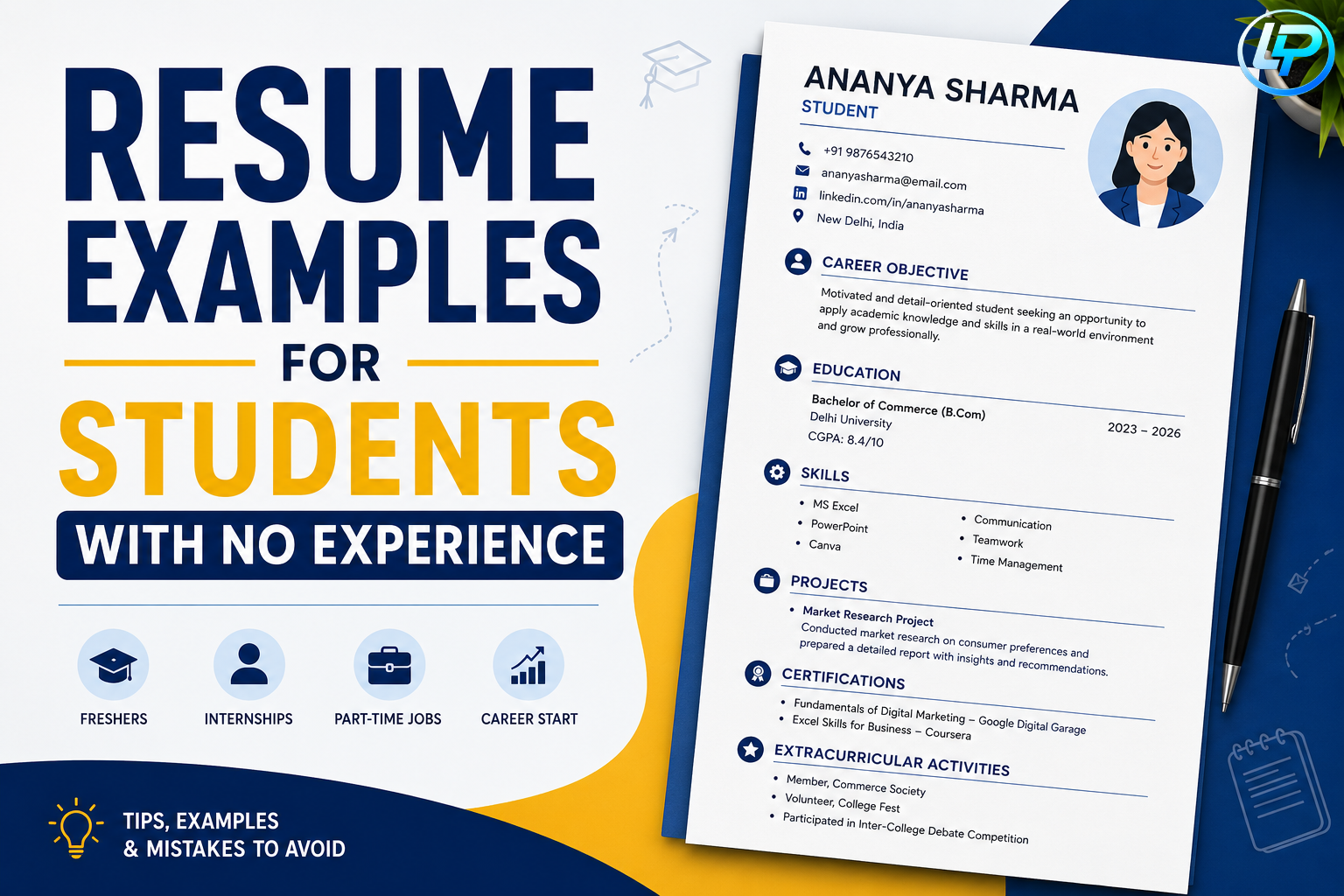
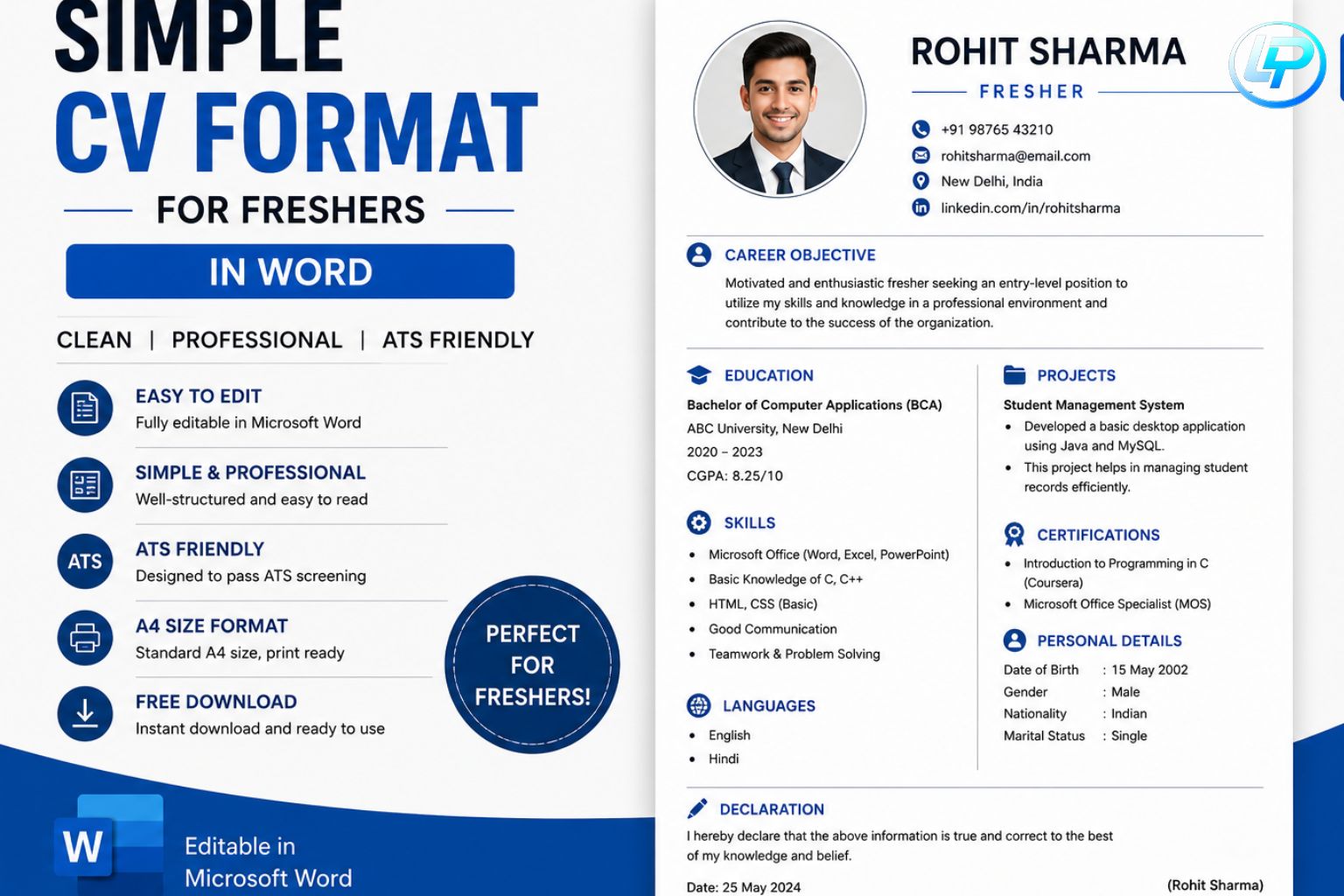
A fresher CV should focus on education, skills, certifications, internships, and achievements. Since you may not have much work experience, your resume should highlight your potential.
Here’s the ideal structure:
1. Contact Information
Start your CV with your personal details at the top.
Include:
- Full Name
- Phone Number
- Professional Email Address
- LinkedIn Profile (optional)
- Location
Example:
Rahul Sharma
Phone: +91 XXXXX XXXXX
Email: rahulsharma@email.com
Location: Pune, Maharashtra
Avoid adding unnecessary details like religion, marital status, or full home address.
2. Career Objective
Your career objective should be short and meaningful. It tells employers what kind of opportunity you are looking for.
Example Career Objective
“Motivated and detail-oriented graduate seeking an entry-level opportunity to apply my communication and analytical skills while contributing to organizational growth.”
At Lynxperio, career experts recommend keeping this section between 2–3 lines.
Simple CV Format for Freshers in Word: Education Section
Education is one of the most important parts of a fresher resume.
Mention:
- Degree Name
- College Name
- University
- Passing Year
- Percentage/CGPA
Example:
| Qualification | Institution | Year | Score |
|---|---|---|---|
| B.Com | XYZ College | 2025 | 78% |
| HSC | ABC School | 2022 | 82% |
| SSC | ABC School | 2020 | 85% |
Use a neat table format in Word for better readability.
4. Skills Section
This section helps recruiters understand your abilities quickly.
Technical Skills
- MS Word
- Excel
- PowerPoint
- Basic HTML
- Data Entry
Soft Skills
- Communication
- Teamwork
- Problem Solving
- Time Management
A simple CV format for freshers in Word should always include both technical and soft skills.
5. Internship or Project Experience
Even if you do not have full-time experience, internships and academic projects add value.
Example:
Marketing Intern – ABC Pvt Ltd
- Assisted in social media campaigns
- Conducted market research
- Prepared weekly reports
Academic Project Example:
E-commerce Website Project
- Developed a responsive website using HTML and CSS
- Improved user interface design
These details show practical exposure and initiative.
6. Certifications
Certifications can strengthen your fresher resume significantly.
Examples:
- Digital Marketing Certification
- Tally ERP Course
- Advanced Excel Training
- Python Programming Course
Recruiters appreciate candidates who continuously learn new skills.
7. Achievements and Extracurricular Activities
This section makes your profile more interesting.
Include:
- College competition wins
- Sports participation
- Event management
- Volunteer work
- Leadership roles
Example:
- Coordinated annual college fest with a team of 20 members
- Won 2nd prize in inter-college debate competition
8. Declaration (Optional)
Some fresher CV formats still include a declaration statement.
Example:
“I hereby declare that all the information provided above is true to the best of my knowledge.”
This section is optional in modern resumes.
How to Create a Simple CV in Microsoft Word
Creating a professional resume in Word is easier than many people think.
Step 1: Open Microsoft Word
Choose a blank document or a basic resume template.
Step 2: Use Professional Fonts
Best fonts:
- Calibri
- Arial
- Times New Roman
Font size:
- Headings: 14–16
- Body text: 11–12
Step 3: Keep Proper Margins
Use standard 1-inch margins for a clean layout.
Step 4: Use Clear Headings
Headings improve readability and make your CV easier to scan.
Step 5: Save as PDF
Always send your CV in PDF format unless asked otherwise.
At Lynxperio, resume experts often recommend testing the formatting on both mobile and desktop before sending the document.
Best Tips to Make Your Fresher CV Stand Out
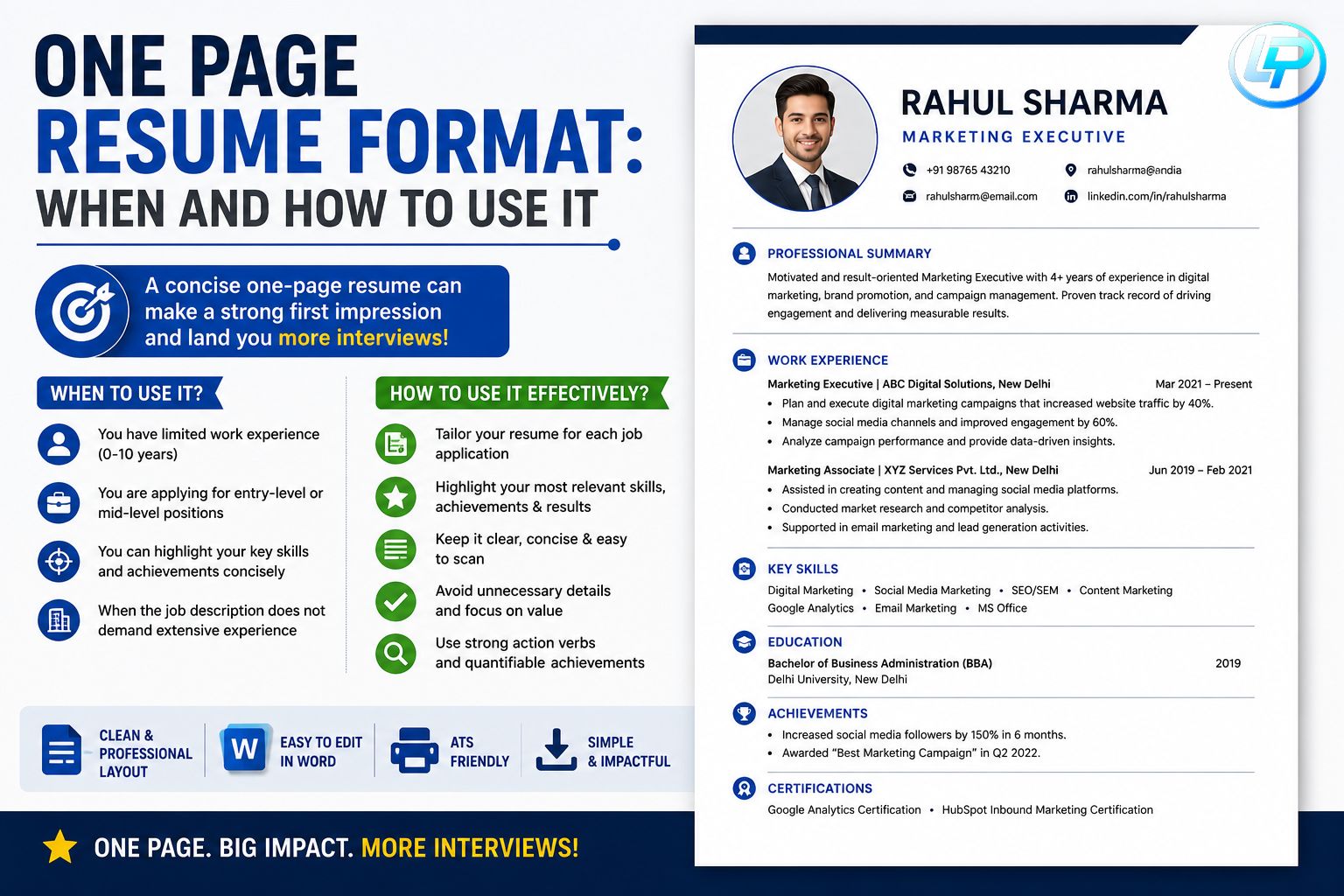
A simple format works best when paired with strong content.
Keep It One Page
Freshers should ideally maintain a one-page resume.
Use Keywords from Job Descriptions
If a company mentions “communication skills” or “data analysis,” include those terms naturally in your CV.
Customize for Every Job
Do not send the same resume everywhere. Tailor it according to the role.
Focus on Achievements
Instead of only listing responsibilities, mention results.
Example:
Bad:
- Worked on social media
Good:
- Increased Instagram engagement by 20% during internship
Proofread Carefully
Spelling mistakes can leave a bad impression.
Common Mistakes Freshers Should Avoid
Many candidates lose opportunities because of small resume errors.
Using Fancy Designs
Avoid excessive colors, graphics, and complicated layouts.
A simple CV format for freshers in Word is more professional and ATS-friendly.
Writing Long Paragraphs
Recruiters prefer short bullet points.
Adding Irrelevant Information
Avoid unnecessary details like:
- Height
- Weight
- Religion
- Hobbies unrelated to the job
Using Unprofessional Email IDs
Bad Example:
coolboy123@email.com
Good Example:
rahulsharma@email.com
Copying Resume Templates Blindly
Always personalize your CV according to your profile.
At Lynxperio, candidates are encouraged to focus on authenticity rather than copying generic resumes online.
Sample Simple CV Format for Freshers in Word
Here’s a basic structure you can follow:
Name
Phone Number | Email | LinkedIn | Location
Career Objective
Short professional objective.
Education
Degree details with percentages.
Skills
Technical and soft skills.
Internship/Projects
Relevant internship or project information.
Certifications
Professional certifications.
Achievements
Awards and extracurricular activities.
Declaration
Optional declaration statement.
This structure works well for most fresher job applications.
Why Recruiters Prefer Simple Resume Formats
Recruiters review hundreds of resumes every week. A clean format helps them identify important details quickly.
Benefits include:
- Better readability
- Faster scanning
- Professional appearance
- ATS compatibility
- Improved interview chances
Complex designs may look attractive but can sometimes confuse hiring software.
That’s why a simple CV format for freshers in Word remains one of the best choices for entry-level candidates.
Semantic SEO Keywords You Should Know
When creating resumes online or searching for templates, you may come across related terms like:
- Fresher resume format
- Resume format in Word
- CV template for students
- Entry-level resume
- Professional CV format
- Job resume for freshers
- Basic resume template
- ATS-friendly resume
These terms are closely related and commonly used by recruiters and job seekers.
How Lynxperio Helps Freshers Build Better Careers
Creating a resume is only the first step in your career journey. At Lynxperio, freshers can access professional guidance, resume-building support, career tips, and job-oriented solutions designed to improve employability.
Whether you need help creating a fresher CV, preparing for interviews, or improving your professional profile, Lynxperio provides practical career resources that make job searching easier and more effective.
FAQs About Simple CV Format for Freshers in Word
What is the best simple CV format for freshers in Word?
The best format includes contact details, career objective, education, skills, internships, certifications, and achievements in a clean and organized layout.
How many pages should a fresher CV be?
A fresher CV should ideally be one page long unless you have extensive internships or projects.
Can I create a professional resume in Microsoft Word?
Yes, Microsoft Word offers excellent resume templates and formatting tools for creating professional fresher resumes.
Is a simple CV format ATS-friendly?
Yes. A simple CV format for freshers in Word is usually ATS-friendly because it uses clear headings and minimal graphics.
What skills should freshers include in a CV?
Freshers should include communication skills, teamwork, problem-solving, MS Office skills, technical abilities, and role-specific expertise.
Conclusion
Creating a professional resume does not have to be difficult. A well-structured simple CV format for freshers in Word can help you present your qualifications clearly and confidently. By focusing on clean formatting, relevant skills, strong achievements, and concise content, freshers can significantly improve their chances of getting shortlisted.
Remember, recruiters value clarity, professionalism, and relevance more than flashy designs. Keep your resume simple, tailored, and error-free.
If you want expert guidance for resume building, career growth, and job preparation, explore Lynxperio today. Lynxperio helps freshers and professionals create impactful resumes and build stronger career opportunities with confidence.