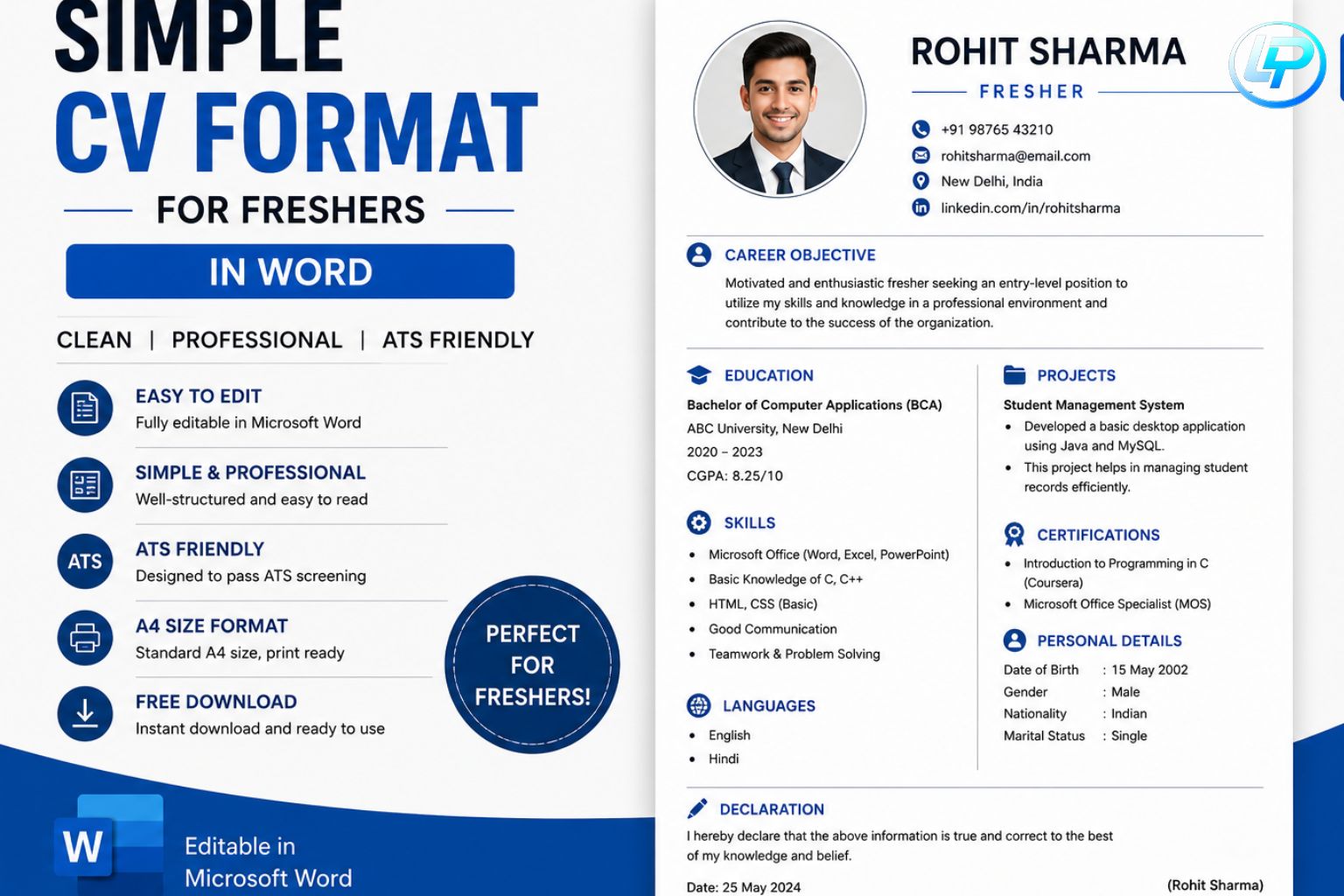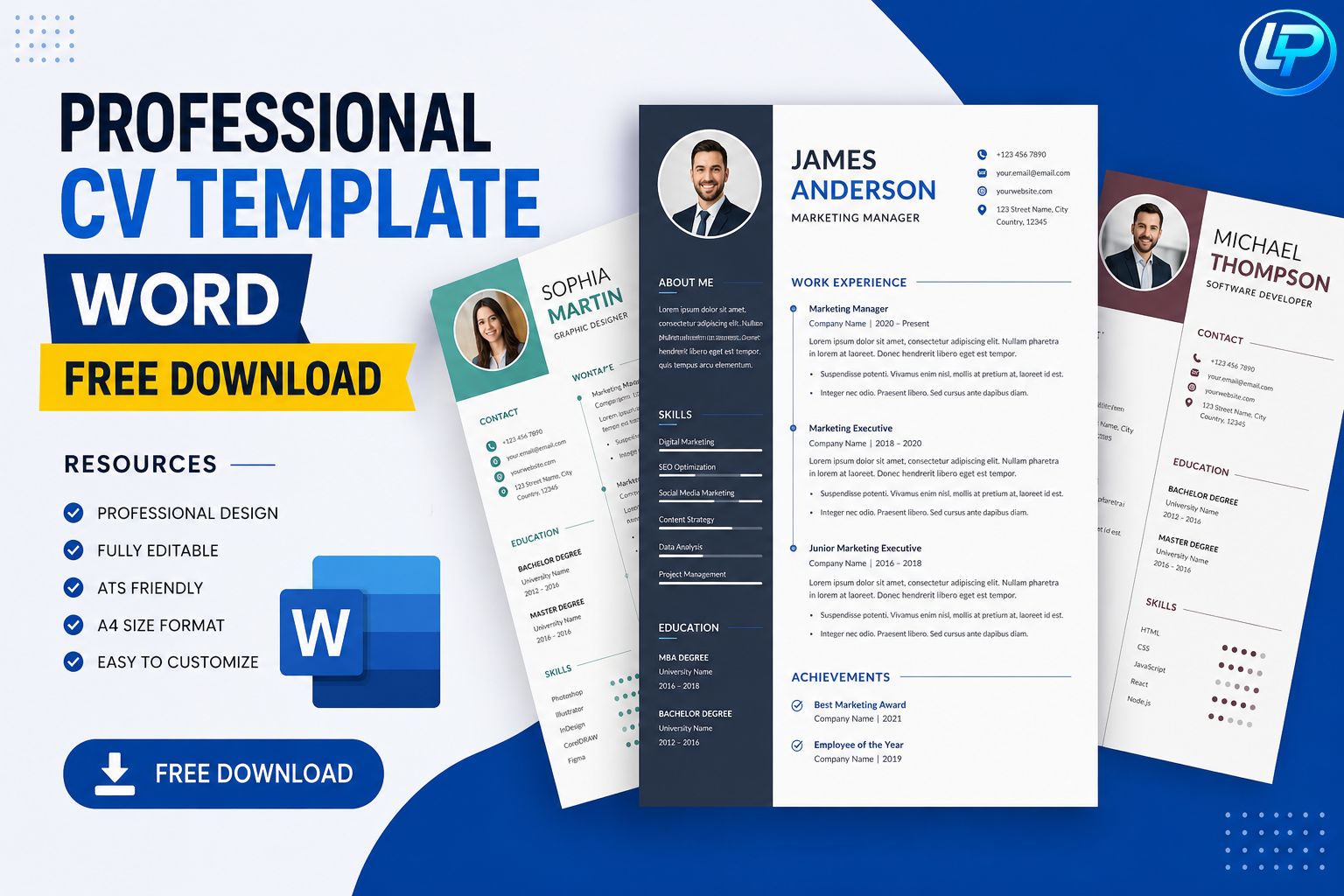
Finding the perfect resume format can feel overwhelming, especially when you are applying for internships, jobs, freelance work, or even international opportunities. A clean and professional CV instantly creates a strong first impression. That’s why many job seekers today search for the best Professional CV Template Word resources to save time and improve their chances of getting hired.
At Lynxperio, we understand how important a well-designed CV is for students, freshers, and professionals. Whether you are creating your first resume or upgrading an old one, choosing the right template can completely change how recruiters view your profile.
In this detailed guide, you will learn how to choose the best Word CV templates, where to download them, common mistakes to avoid, and tips to make your resume stand out in today’s competitive job market.
Why a Professional CV Matters in 2026
Recruiters often spend only a few seconds scanning a CV before deciding whether to continue reading. Because of this, your CV design, structure, and readability matter more than ever.
A professional-looking CV helps you:
- Create a strong first impression
- Improve readability for recruiters
- Pass ATS (Applicant Tracking Systems)
- Showcase skills clearly
- Highlight achievements effectively
- Increase interview chances
Using a Professional CV Template Word file also saves hours of formatting work. Instead of starting from scratch, you can simply edit sections and customize the template according to your career goals.
What Is a Professional CV Template Word?
A Professional CV Template Word is a resume format designed in Microsoft Word that allows users to easily edit and personalize their CV.
These templates usually include:
- Contact information section
- Career summary
- Education details
- Work experience
- Skills section
- Certifications
- Projects
- References
The best part is that Word templates are beginner-friendly. Even if you have no design experience, you can still create an attractive and ATS-friendly CV in minutes.
Benefits of Using Word CV Templates
1. Easy to Edit
Microsoft Word is one of the most widely used tools globally. You can quickly update your information without learning advanced software.
2. ATS-Friendly Formatting
Many recruiters use ATS software to filter resumes. Most professional Word templates are optimized for ATS readability.
3. Time-Saving
Instead of spending hours designing a CV, templates allow you to focus on content and achievements.
4. Professional Appearance
A polished design gives your resume a modern and organized look.
5. Perfect for Freshers and Students
Students and fresh graduates often struggle with resume formatting. A ready-made template simplifies the process.
Best Features to Look for in a Professional CV Template Word
Not every template is effective. Some look attractive but fail ATS scans. Others contain too many graphics that distract recruiters.
Here are the key features you should look for:
Clean Layout
Choose templates with proper spacing and organized sections.
Readable Fonts
Fonts like Calibri, Arial, and Helvetica improve readability.
ATS Compatibility
Avoid templates with excessive icons, tables, or complicated columns.
Professional Color Scheme
Simple colors like navy blue, black, and gray look professional.
Proper Headings
Use clear headings for skills, education, and experience.
Mobile-Friendly Structure
Many recruiters review resumes on phones, so readability matters.
At Lynxperio, resume experts often recommend minimalist designs because they work better across industries.
Who Should Use Professional CV Templates?
Students
Students can use templates to create internship resumes and campus placement CVs.
Freshers
Fresh graduates can highlight education, certifications, and projects effectively.
Professionals
Experienced professionals can organize work achievements more professionally.
Freelancers
Freelancers can showcase portfolios, client projects, and technical skills.
Career Switchers
Templates help career changers present transferable skills clearly.
How to Customize a Professional CV Template Word
Downloading a template is only the first step. Customization is what makes your CV unique.
Step 1: Add Accurate Contact Information
Include:
- Full name
- Phone number
- Professional email
- LinkedIn profile
- Portfolio website (if applicable)
Step 2: Write a Strong Professional Summary
Your summary should quickly explain:
- Who you are
- Your experience
- Your key strengths
- Career goals
Example:
“Detail-oriented marketing graduate with strong communication and social media management skills seeking entry-level digital marketing opportunities.”
Step 3: Highlight Relevant Skills
Include both technical and soft skills.
Example Skills:
- Microsoft Office
- SEO
- Communication
- Canva
- Leadership
- Data Analysis
- Content Writing
Step 4: Add Achievements
Recruiters prefer measurable achievements.
Instead of:
- “Managed social media”
Write:
- “Increased Instagram engagement by 40% in 3 months”
Step 5: Optimize Keywords
Use industry-related keywords naturally throughout the CV.
Best Resume Sections to Include
A strong Professional CV Template Word should include the following sections:
Contact Information
Make it easy for recruiters to contact you.
Professional Summary
This section introduces your profile quickly.
Education
Mention:
- Degree
- College name
- Passing year
- Percentage or CGPA
Work Experience
List:
- Company name
- Position
- Duration
- Responsibilities
- Achievements
Skills
Focus on relevant and job-specific skills.
Certifications
Online certifications can strengthen your profile significantly.
Projects
Especially important for students and freshers.
Languages
Helpful for international or customer-facing roles.
Practical Example of a Strong Resume Improvement
Weak Version
“Worked on social media marketing.”
Better Version
“Created and managed social media campaigns that improved audience engagement and increased follower growth by 25%.”
Specific achievements always create a stronger impact.
Common Mistakes to Avoid
Even the best template cannot fix poor resume practices.
1. Using Generic Objectives
Avoid outdated lines like:
- “Looking for a challenging position.”
Instead, make your summary personalized.
2. Adding Too Much Information
Keep your CV concise and relevant.
3. Poor Formatting
Inconsistent fonts and spacing reduce professionalism.
4. Spelling Errors
Always proofread before sending your resume.
5. Using Unprofessional Email IDs
Avoid email addresses like:
- coolboy123@gmail.com
Use professional formats instead.
6. Including Irrelevant Details
Do not add unnecessary personal information.
Tips to Make Your CV Stand Out
Tailor Your CV for Every Job
Customize keywords and skills according to the job role.
Use Action Words
Words like:
- Managed
- Developed
- Designed
- Led
- Improved
make your achievements stronger.
Keep Design Simple
Minimalist resumes usually perform better than over-designed ones.
Add Certifications
Online certifications from platforms like:
- Coursera
- Udemy
- LinkedIn Learning
can improve your profile credibility.
Use a PDF When Submitting
Although templates are created in Word, save the final version as PDF before sending.
Why ATS-Friendly Resumes Are Important
Many companies now use ATS software to filter resumes automatically.
An ATS-friendly Professional CV Template Word helps ensure your resume gets seen by human recruiters.
ATS Optimization Tips
- Use standard headings
- Avoid graphics
- Use simple fonts
- Add relevant keywords
- Avoid complex tables
At Lynxperio, career-focused resume strategies are designed to improve ATS compatibility while maintaining professional design quality.
Free Download Resources for CV Templates
You can find free resume templates from various trusted platforms.
Microsoft Office Templates
Microsoft Create offers editable resume templates directly for Word users.
Canva Resume Templates
Canva provides customizable modern resume designs.
Google Docs Templates
Google Docs Resume Templates are useful for online editing and collaboration.
Resume Builder Platforms
Websites like Lynxperio can help users discover resume tips, career resources, and professional resume-building guidance.
How Freshers Can Build a Strong Resume Without Experience
Many students worry because they have little or no work experience. However, recruiters also value:
- Academic projects
- Internships
- Certifications
- Volunteer work
- Leadership roles
- Communication skills
Fresher Resume Example
If you are applying for a digital marketing internship:
Include:
- Social media projects
- SEO certifications
- Canva skills
- College presentations
- Freelance work
This makes your profile stronger even without corporate experience.
Professional CV Trends in 2026
Modern resumes are evolving quickly. Here are some current trends:
Minimalist Layouts
Simple and clean resumes dominate hiring trends.
Skills-Based Resumes
Recruiters now focus more on skills than long career summaries.
Personal Branding
LinkedIn profiles and portfolio links are increasingly important.
AI-Friendly Formatting
Structured and keyword-optimized resumes perform better in ATS systems.
Hybrid Resume Formats
Combining skills and work experience sections is becoming more popular.
FAQs About Professional CV Template Word
What is the best Professional CV Template Word format?
The best format is clean, ATS-friendly, and easy to customize. Minimalist templates work best for most industries.
Can students use a Professional CV Template Word?
Yes, students and freshers can easily use Word templates to create internship and job resumes.
Are free Word resume templates good enough?
Yes, many free templates are professional and recruiter-friendly if customized properly.
Should I use colors in my CV?
Yes, but keep colors minimal and professional.
Is PDF better than Word for resume submission?
Yes, PDF preserves formatting and looks more professional when shared.
Where can I get career help besides templates?
Platforms like Lynxperio provide career guidance, resume support, and professional growth resources.
Conclusion
A strong Professional CV Template Word can make a major difference in your job search journey. Whether you are a student, fresher, freelancer, or experienced professional, using the right template helps you present your skills confidently and professionally.
However, remember that a template alone is not enough. Your achievements, customization, and ATS optimization are equally important. Focus on creating a resume that is clear, relevant, and tailored to the role you want.
If you want to improve your career profile, explore modern resume resources, and learn smarter job application strategies, visit Lynxperio today and take the next step toward your professional success.