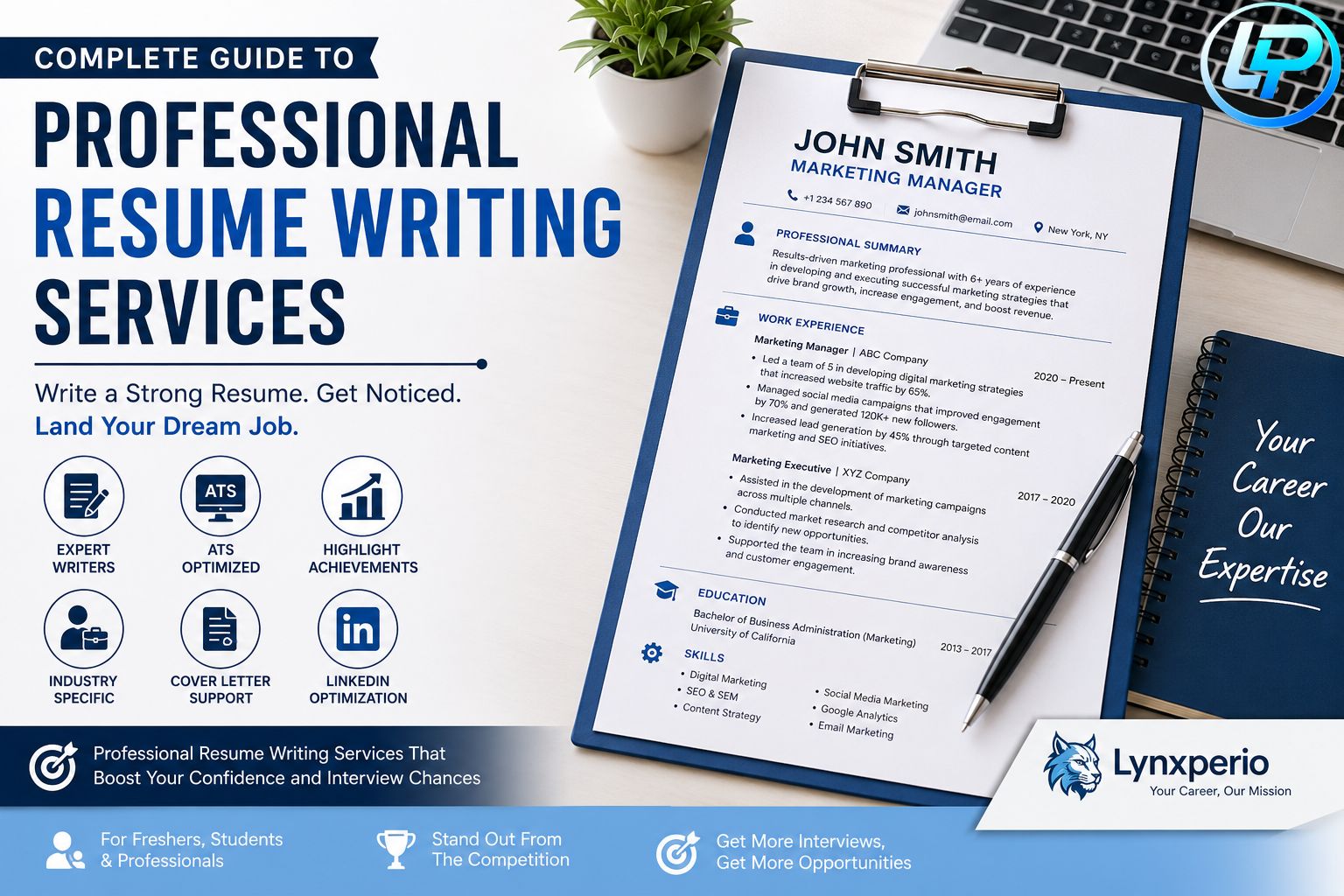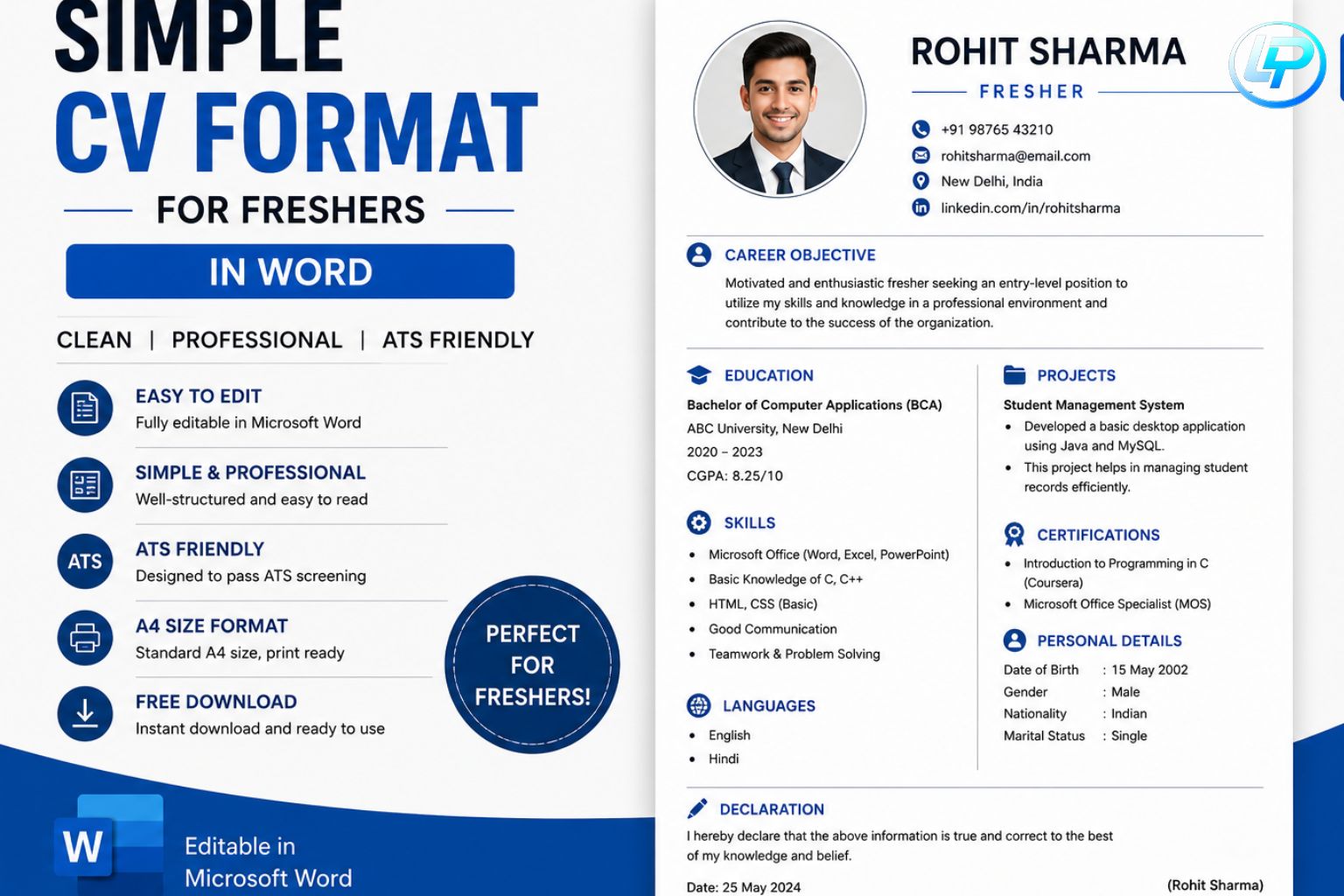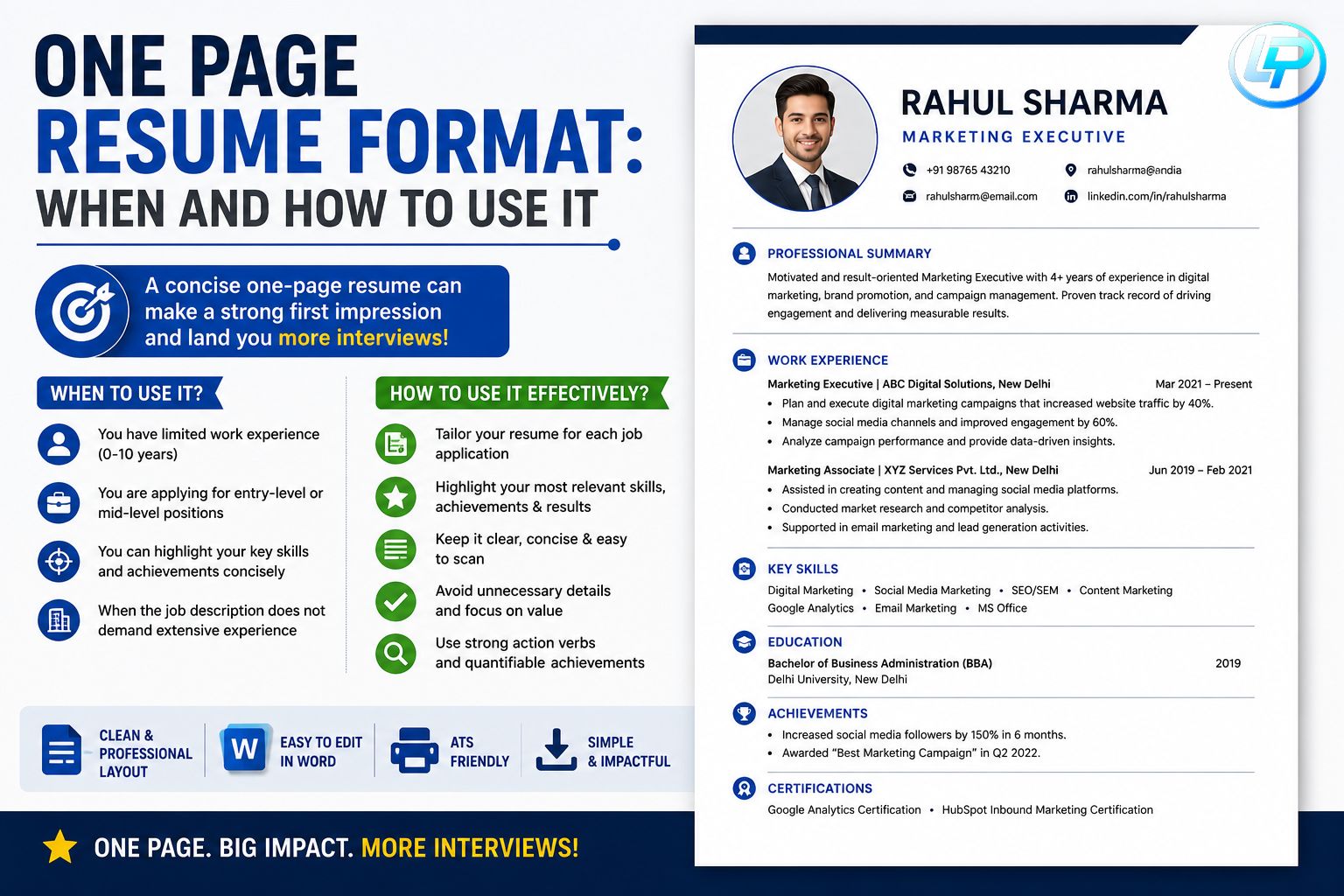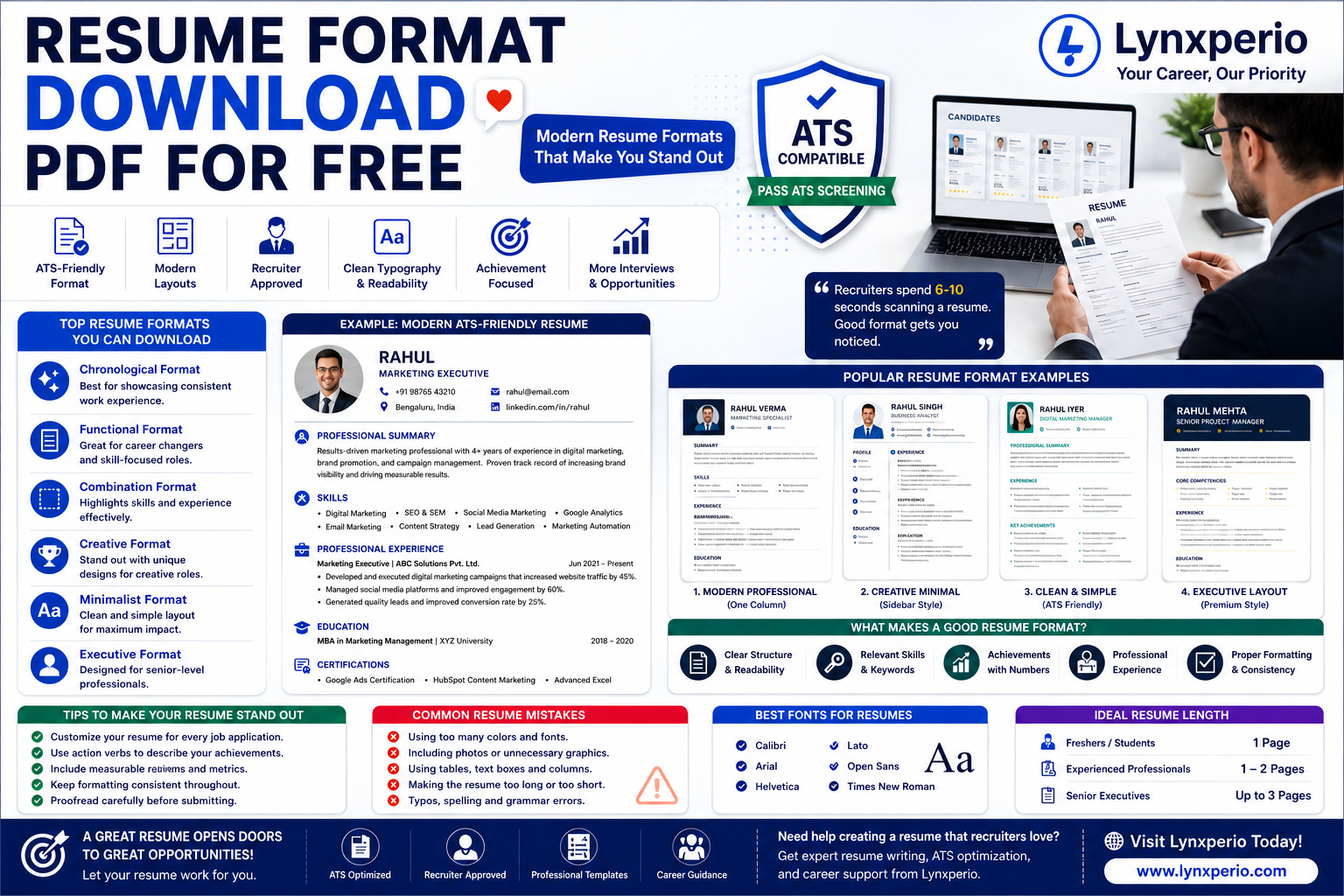
Finding the right resume template can make a huge difference in your job search. If you’re looking for a Resume Format Download PDF for Free, you’re not alone. Thousands of job seekers, freshers, students, and professionals search for professional resume formats that are easy to customize and accepted by recruiters. At lynxperio, we understand how important a well-structured resume is when applying for jobs in today’s competitive market.
A professionally designed resume format helps you present your qualifications clearly, improve readability, and increase your chances of getting shortlisted. Whether you’re applying for your first job or planning a career change, this guide will help you understand how to choose the best resume format, why PDF resumes are preferred, and how to create an ATS-friendly resume that stands out.
Why Use a Resume Format Download PDF for Free?
A resume is often the first impression you make on an employer. Using a professional format saves time and ensures your information is presented in a clear and organized manner.
Benefits include:
- Professional appearance
- Better readability
- ATS compatibility
- Easy customization
- Consistent formatting
- Improved interview opportunities
A well-designed Resume Format Download PDF for Free can help you focus on your content instead of worrying about layout and design.
What Is a Resume Format PDF?
A resume format PDF is a resume template that can be downloaded, customized, and saved as a PDF file for job applications.
PDF resumes are widely preferred because:
- They maintain formatting across devices.
- They appear professional.
- They are easy to share.
- Recruiters can view them without compatibility issues.
This is why most hiring managers recommend submitting resumes in PDF format.
Types of Resume Formats Available for Free Download
Choosing the right format depends on your experience level and career goals.
This is the most commonly used format.
Best for:
- Experienced professionals
- Candidates with consistent work history
Features:
- Lists work experience from newest to oldest
- Highlights career growth
- Easy for recruiters to review
2. Functional Resume Format
Focuses on skills rather than work experience.
Best for:
- Freshers
- Career changers
- Candidates with employment gaps
Features:
- Skills-focused structure
- Less emphasis on job history
3. Combination Resume Format
Combines both skills and experience sections.
Best for:
- Professionals with strong skills and experience
- Specialized job roles
Features:
- Balanced approach
- Highlights both expertise and achievements
At lynxperio, we generally recommend reverse chronological formats because they are ATS-friendly and recruiter-approved.
Resume Format Download PDF for Free: Essential Sections
A professional resume should include the following sections.
Contact Information
Always place contact details at the top.
Include:
- Full Name
- Phone Number
- Professional Email Address
- LinkedIn Profile
- Location
Example
Rahul Sharma
Phone: +91 XXXXX XXXXX
Email: rahul@email.com
LinkedIn: linkedin.com/in/rahulsharma
Mumbai, Maharashtra
Professional Summary
Provide a short overview of your qualifications.
Example
Results-driven marketing graduate with strong communication and digital marketing skills. Seeking opportunities to contribute to business growth and professional development.
Keep it concise and role-specific.
Education
For students and freshers, education is often one of the most important sections.
Example
Bachelor of Business Administration
XYZ University
Graduation Year: 2026
CGPA: 8.4/10
Skills Section
Highlight both technical and soft skills.
Technical Skills
- Microsoft Excel
- Java
- Python
- SQL
- Digital Marketing
Soft Skills
- Communication
- Leadership
- Teamwork
- Problem Solving
Work Experience
If applicable, include:
- Company name
- Job title
- Duration
- Key responsibilities
Example
Marketing Intern
ABC Solutions
May 2025 – July 2025
- Assisted with social media campaigns.
- Conducted market research.
- Supported SEO activities.
Certifications
Examples:
- Google Analytics Certification
- AWS Cloud Practitioner
- Microsoft Excel Certification
- Google Digital Marketing Certification
Certifications help strengthen your profile.
Achievements
Highlight measurable accomplishments.
Examples:
- Won College Hackathon
- Top Academic Performer
- Student Leadership Award
Achievements help differentiate your resume from others.
Why Recruiters Prefer PDF Resumes
Many job seekers wonder why PDF is the preferred format.
Consistent Formatting
PDF files appear the same on every device.
Professional Presentation
PDF resumes look polished and organized.
Easy Sharing
Recruiters can open PDF files without software compatibility issues.
Reduced Formatting Errors
Word documents sometimes shift layouts when opened on different devices.
Using a Resume Format Download PDF for Free helps ensure your resume maintains its professional appearance.
ATS-Friendly Resume Tips
Many companies use Applicant Tracking Systems (ATS) to filter resumes.
Use Standard Headings
Examples:
- Education
- Skills
- Experience
- Certifications
Include Relevant Keywords
Use job-related terms naturally throughout your resume.
Avoid Graphics
Complex graphics and tables can confuse ATS software.
Use Professional Fonts
Recommended fonts:
- Arial
- Calibri
- Times New Roman
At lynxperio, we always recommend ATS-friendly resume templates to maximize visibility.
Tips for Choosing the Best Resume Format
Match the Job Role
Customize your resume based on the position you’re applying for.
Keep It Simple
Clean layouts often perform better than highly decorative templates.
Prioritize Relevant Information
Place the most important information near the top.
Keep It Updated
Regularly update:
- Skills
- Certifications
- Projects
- Achievements
Proofread Carefully
Check for:
- Spelling mistakes
- Grammar errors
- Formatting inconsistencies
Small errors can create a negative impression.
Common Resume Mistakes to Avoid
Using Outdated Templates
Old-fashioned formats may appear unprofessional.
Adding Too Much Information
Keep your resume concise and relevant.
Using Generic Career Objectives
Customize your summary for each role.
Ignoring ATS Optimization
Without proper keywords, your resume may never reach a recruiter.
Using Unprofessional Email Addresses
Avoid:
Use:
Practical Resume Example
Rahul Sharma
Phone: +91 XXXXX XXXXX
Email: rahul@email.com
LinkedIn: linkedin.com/in/rahul
Professional Summary
Recent graduate with strong communication and problem-solving skills seeking an entry-level role.
Education
Bachelor of Commerce
XYZ University
CGPA: 8.2/10
Skills
- MS Excel
- Communication
- Teamwork
- Digital Marketing
Internship
Marketing Intern
ABC Solutions
Certifications
Google Digital Marketing Certification
Achievements
Winner of Business Presentation Competition
How Lynxperio Helps Job Seekers
Creating a professional resume can be overwhelming, especially for freshers and first-time applicants. Lynxperio provides practical resume-writing guidance, career resources, and industry-specific advice to help candidates build stronger applications.
Whether you’re applying for jobs in IT, marketing, finance, healthcare, engineering, or management, lynxperio offers valuable insights that can improve your resume and increase your confidence during the job search process.
Many professionals trust lynxperio for modern resume strategies and career development support.
FAQs
What is a Resume Format Download PDF for Free?
It is a professional resume template that can be downloaded, customized, and saved as a PDF for job applications.
Why should I use PDF format for resumes?
PDF files maintain formatting and provide a professional appearance across all devices.
Which resume format is best for freshers?
A functional or reverse chronological format is generally recommended for freshers.
Are PDF resumes ATS-friendly?
Yes, most ATS systems can read properly formatted PDF resumes.
How long should a resume be?
Most resumes should be one page for freshers and up to two pages for experienced professionals.
Why is Resume Format Download PDF for Free popular among job seekers?
Because it provides ready-to-use templates that save time and help create professional resumes quickly.
Conclusion
Choosing the right Resume Format Download PDF for Free can significantly improve your job application success. A professional PDF resume helps you present your qualifications clearly, maintain consistent formatting, and improve your chances of getting noticed by recruiters.
Focus on using ATS-friendly templates, highlighting relevant skills and achievements, and customizing your resume for every application. With the right format and content, you can create a resume that stands out in today’s competitive job market.
Ready to build a stronger resume and advance your career? Explore lynxperio for expert resume guidance, career resources, and professional solutions designed to help job seekers succeed.